Wednesday, April 1, 2026
Aureli Now Works With Your AI Assistant

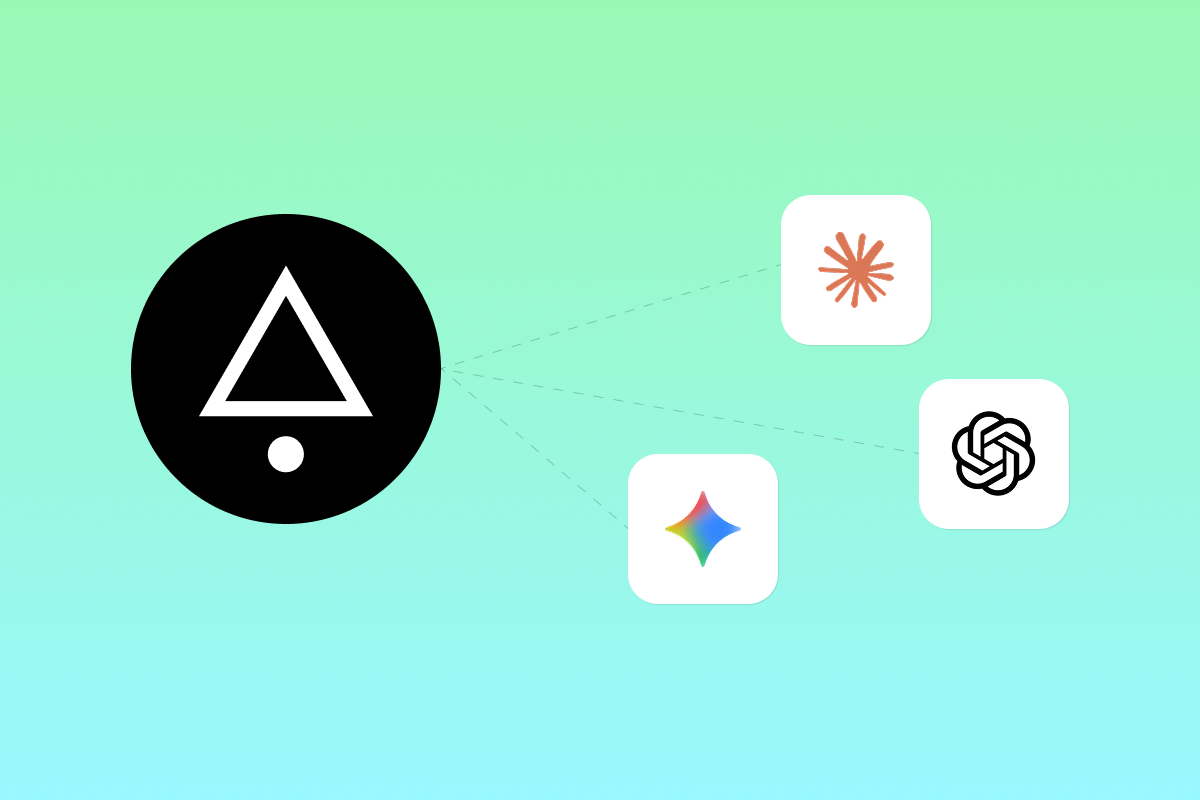
Your financial data shouldn't be trapped in a single app. Starting today, Aureli Pro subscribers can connect their portfolio data to any AI assistant that supports the Model Context Protocol (MCP) — including Claude, ChatGPT, Gemini, and Grok.
What is MCP?
The Model Context Protocol is an open standard that lets AI assistants securely access external data sources. Instead of copying and pasting numbers into a chat window, your AI assistant can read your Aureli portfolio directly — with your permission, and only the data you authorise.
Think of it as giving your AI assistant read access to your financial dashboard, so it can answer questions with real numbers instead of generic advice.
How it works
Getting started takes about a minute. Add the following MCP server URL to your preferred AI provider:
https://aureli.app/api/mcp
The first time your AI assistant connects, you'll be asked to authorise the connection and choose which permissions to grant. After that, you can ask your assistant questions like:
- "What's my current net worth?"
- "How has my portfolio changed in the last 6 months?"
- "What percentage of my assets are in property?"
- "What are my largest debts?"
- "Break down my asset allocation by type."
Your assistant gets the same data that powers Aureli's built-in AI chat — your portfolios, assets, debts, valuations, and allocation breakdowns.
Why this matters
We built Aureli's AI chat feature because having a conversation about your finances is often more useful than staring at a dashboard. But we also know that many of you already have a preferred AI assistant — one that knows your communication style, your context, and how you like information presented.
With MCP support, you're no longer limited to asking questions inside Aureli. You can pull your financial data into whatever workflow you're already using:
- Planning a big purchase? Ask Claude to compare your current net worth against your savings targets.
- Reviewing your month? Ask ChatGPT to summarise how your portfolio moved and what drove the changes.
- Building a financial model? Have Gemini pull your actual asset values into a projection.
- Quick check on the go? Ask Grok what your net worth is right now.
The data stays in sync. Every time your AI assistant asks Aureli for information, it gets the latest figures — including any automatic stock, crypto, or commodity price updates.
What your AI assistant can access
When you connect an app, you choose exactly what it can do:
| Permission | What it allows |
|---|---|
| Read portfolios | View your portfolios, assets, debts, net worth, and allocation data |
| Edit portfolios | Add and edit assets, debts, and valuations |
| View connections | View bank connection status |
You can revoke access at any time from your profile page under the Connected Apps tab. We've also written a knowledge base article on managing connected apps if you want the full details.
Getting connected
We've put together step-by-step guides for the most popular AI assistants:
Each guide walks you through exactly where to add the MCP server URL and how to authorise the connection.
Available on Pro
MCP server access is included with every Aureli Pro subscription at no extra cost. If you're on the Lite plan, this is a great reason to upgrade — along with unlimited assets and debts, automatic price updates, advanced AI models, and portfolio sharing.
Already on Pro? You're ready to go. Add
https://aureli.app/api/mcp