Transactions now show where your money goes and can be categorised with one click, and two new features are open to early adopters. Here is what changed over the past four weeks.
Change a transaction's category yourself
Open any transaction on the web and you now get its details: the amount, date and account, and what your bank sent, such as the description, reference and the bank's own category. From there you can pick a category, search for one or remove it. Until now, only Aureli AI or an AI assistant you'd connected to Aureli could change a category.
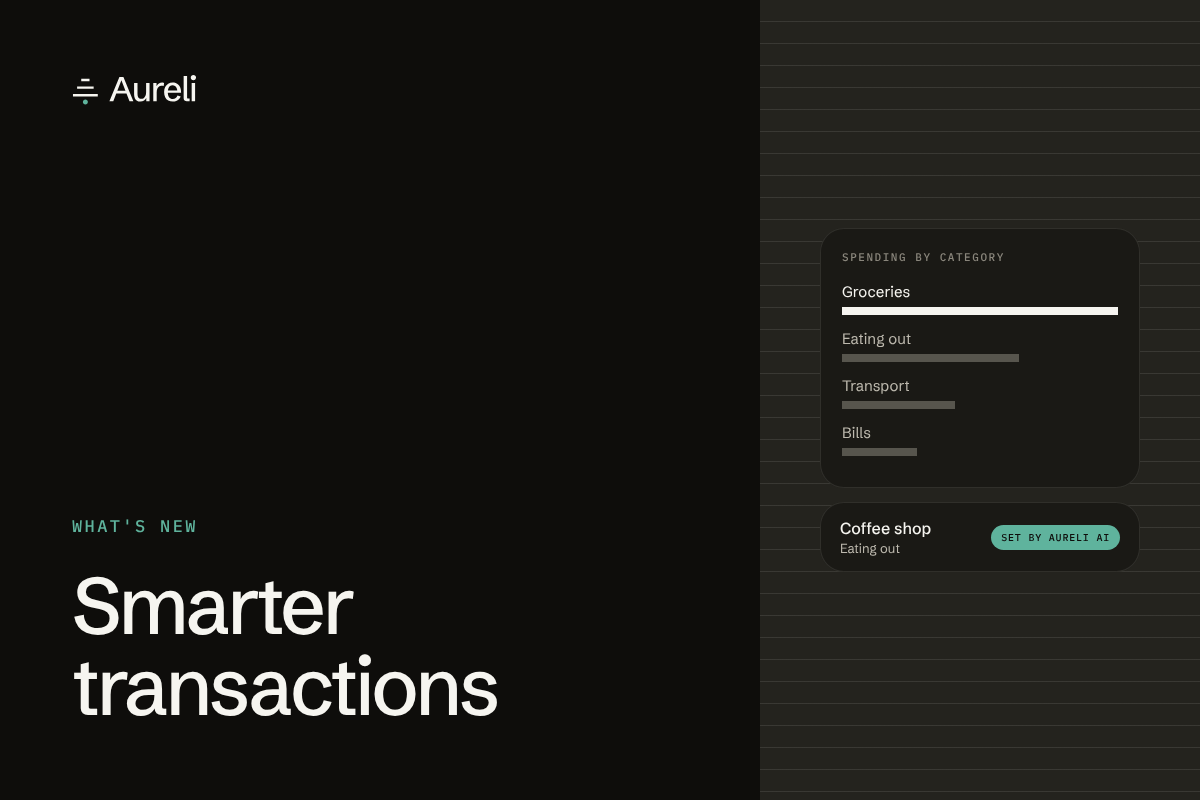
Each category says who set it, "Set by you" or "Set by Aureli AI", so you can see at a glance which ones to check.
Categorise with Aureli AI
When you have uncategorised transactions, the transactions page shows a Categorise with Aureli AI button. Aureli AI reads only the bank's text, such as the merchant, description, reference and amount. It leaves anything it isn't sure about for you, and it never changes a category you set. It uses Aureli AI credits, usually one or less per 50 transactions.
If you'd rather not press the button each time, switch on Automatically categorise new transactions. Aureli AI then files new transactions as your bank sends them. You'll find the switch in the categorise dialog and in your portfolio's settings, under Transactions.
See where your money goes
The transactions page has a new Insights tab. It shows what you spent in the period, broken down by category, merchant or account, with your top category and how much is still uncategorised. Tap a line to see the payments behind it and recategorise any that are wrong. Transfers between your own accounts and repayments don't count as spending.
The whole page now follows a period you choose: the last 30 days, month to date, quarter to date, year to date or the last 12 months. The totals, the list and the CSV export all match it.
Transaction details, auto-categorise and Insights are on the web now, and coming to the iOS and Android apps soon.
Early access: accounts that hold your assets
If you've switched on Try new features early in your profile, you can now group assets into accounts, such as a stocks and shares ISA or a pension. Create an account from the Accounts section of your assets page, or choose Account when you add an asset, then move the assets in. They keep their history and take the account's wrapper, and your net worth doesn't change.
An account's value is the sum of what it holds, so there's nothing extra to value. Accounts don't count towards your plan's asset limit, but the assets inside them do.
Early access: the Stocks page
Early adopters also get a new Stocks page under Assets. It lists every share and fund you hold, one row each, whichever account it's in. Open a row to see the units and value in each account.
The Income tab shows the dividends your holdings paid over the last 12 months, what's declared next and an estimate for the next 12 months. The estimate is based on the last year's payments at the shares you hold today. Dividends aren't guaranteed and can change or stop.
To try either feature, go to your profile and switch on Try new features early. Features in early access may change, and you can switch it off at any time.
The Cash page is open to everyone
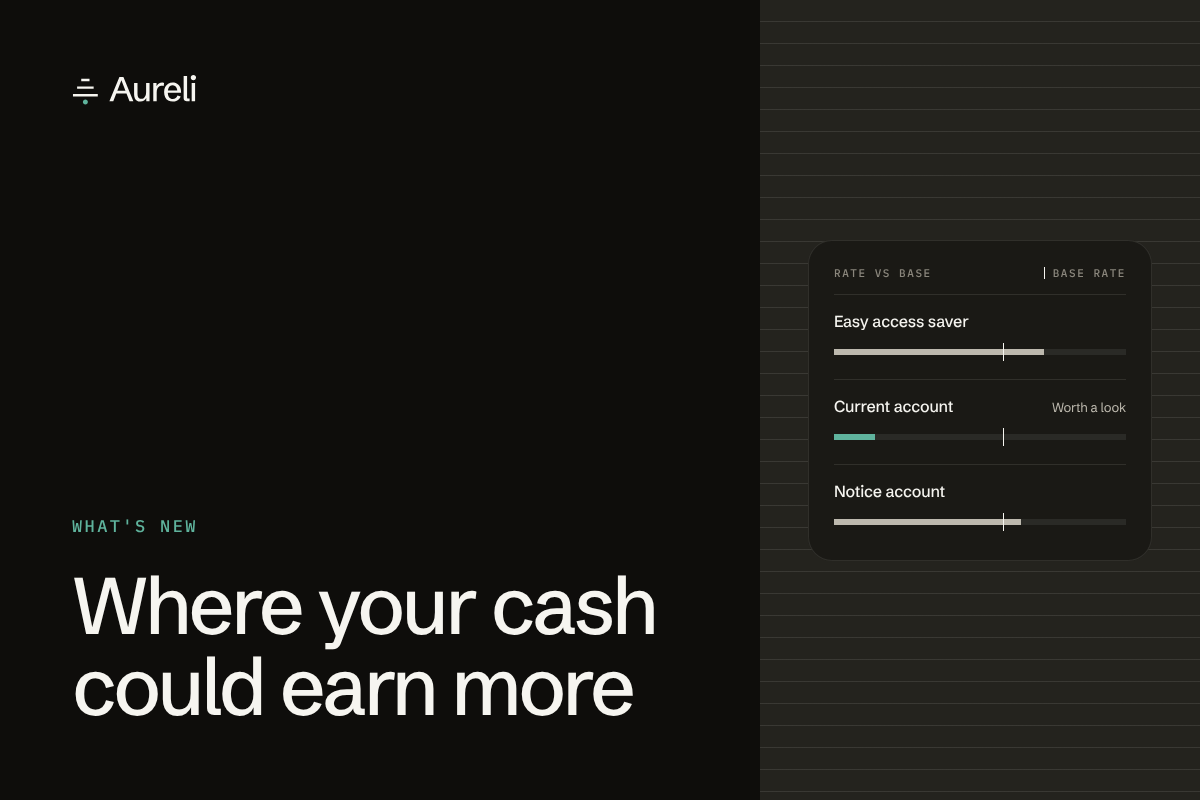
The Cash page is no longer limited to early adopters. You'll find it under Assets in the sidebar, with your cash accounts, the rate each one earns and how that compares with the base rate for its currency. It also shows your blended rate across them all, with a "Worth a look" panel for the accounts that could earn more.
Open any account to set its interest rate in tiers, so a bonus rate on the first part of a balance is counted properly. You can also confirm a rate is still correct, so it's clear which rates you've checked recently. Base rate is a reference point, not a rate any account is guaranteed to pay.
Move an asset or debt to another portfolio
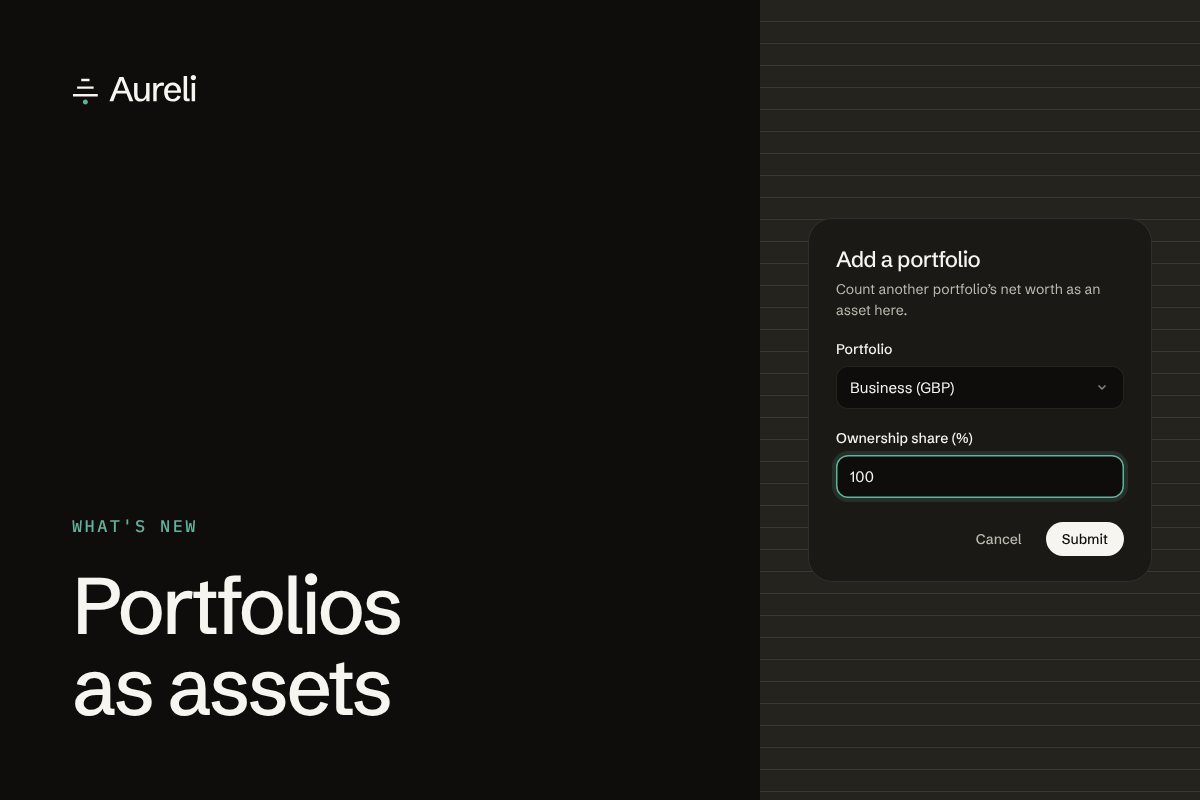
You can now move an asset or debt to another of your portfolios from its Details tab on the web, and its valuations, history and transactions go with it. Before, the only way was to delete it and add it again, which lost everything it had recorded.
You can move between portfolios you can edit that have the same owner. A few things work differently:
- If the asset is linked to a debt, or the debt to an asset, the link is removed, since a link can't cross portfolios.
- Milestones in the old portfolio that track it are archived.
- An archived asset or debt needs restoring before it can move.
See your AI credits as you chat
Aureli AI on the web now shows how many credits you have left today under the message box, on every plan. Credits are counted from what each answer actually uses, so the figure is rounded down and never promises a question you can't ask.
On Lite, the model picker now lists Enhanced (Claude Sonnet 5.5) and Expert (Claude Opus 5.5) alongside Standard (Claude Haiku 5.5), marked Pro. When you're down to your last 2 credits, a short note says so. Lite has 5 credits a day and 20 a month, and Pro has 100 a day and 500 a month.
Add Aureli to your own AI in one click
Connecting Aureli to the AI you already use is now quicker. Add to Claude opens Claude with Aureli's details already filled in, so you only need to sign in to Aureli and choose read or edit access. You'll see it at the end of sign-up and in the Aureli MCP dialog.
For ChatGPT and Grok, Copy and open copies Aureli's connector address and opens the right page, with a short note on where to paste it. Each step-by-step guide is still a click away. See Connected apps for what a connected assistant can do.
Choose how far back your bank history reaches
When you connect a bank with transaction data switched on, you can now pick a Transaction history window: 2 years, 1 year, 90 days or from today. You'll see it on the review step before you continue to your bank.
The window is a limit, not a promise. Your bank decides how much it hands over within it, and you can't widen it later without reconnecting.
Add part of a share
You can now enter a fraction of a share when you add a stock on the web, such as 1.5 shares. Before, you had to add a whole number and correct it afterwards. Crypto and commodities accept fractions in the same way.
Fix a cost basis from your AI assistant
If you've connected an AI assistant such as Claude to Aureli and given it permission to make changes, it can now set what you paid for a stock, crypto or commodity holding. That means you can correct a wrong figure, or start tracking one on a holding that never had it. Your unit count stays as it is.
Smaller fixes
- If a bank can't be connected right now, you get a clear message saying so, instead of a general error.
- Deleting a portfolio now also deletes its Aureli AI conversations.
- The email before a Pro trial ends now gives the date it ends and, if you have a card on file, what you'll usually be charged that day. If you've already cancelled, you won't get it.
- Portfolio cards are tidier: only your default portfolio shows a star, and the Editor or Viewer tag shows only on portfolios shared with you.
- If you connect Google Sheets without allowing Drive access, Aureli now tells you, so you can try again and tick the box.
That's the past four weeks. If there's something you'd like to see in Aureli, tell us.