A fairly ordinary UK financial life looks like this. The current account you have had since university, plus a second one opened for a switching bonus and never closed. An easy-access savings account at whichever provider topped the best-buy table two years ago, a cash ISA somewhere else, a stocks and shares ISA on a platform. A workplace pension from this job and a smaller one from the last. A credit card, and a joint account for the bills.
That is nine or ten places money sits, across six or seven providers. Open any one of those apps and it shows you the balances held there, instantly and accurately. None of them shows you the total. Your bank has no reason to tell you what you hold at a competitor, and no mechanism to know about your pension at all.
So people do one of three things: add it up in their head and get it wrong, build a spreadsheet and stop updating it, or connect everything to one dashboard.
One upfront disclosure: we built Aureli, so we are not a neutral party. It is in the comparison below because leaving it out would be odd, and we have tried to be as honest about where it falls short as we are about everyone else.
Why the spreadsheet stops working
The spreadsheet does not fail because it is a bad idea. It fails on a schedule. Month one you enjoy it, month two you do it late, month three you are busy, and month four you open the file, see numbers you no longer trust, and do not open it again. The failure mode is not a wrong total, it is abandonment, followed by a year of quietly trusting figures you typed in last spring.
The deeper problem is that a spreadsheet has no connection to your banks, so every balance in it is a number you went and looked up. The formulas are less help than people expect, too: live price functions are unreliable for UK funds, and UK shares are quoted in pence rather than pounds, so a feed that switches between GBX and GBP silently multiplies a holding by a hundred. Nothing validates that. The total changes and you have no way of knowing which row lied.
If you genuinely like working in a spreadsheet, keep it, but let something else do the data entry. You can connect Google Sheets to your bank accounts so the balances arrive on their own each morning and your formulas sit on top of current numbers.
How consolidation actually works
Every UK app that shows several banks at once runs on open banking, and the mechanism explains both the reassuring parts and the annoying ones.
An app that reads your accounts is acting as an Account Information Service Provider, an AISP, and it must be authorised or registered by the FCA to do it. The access is read-only: balances, transactions, direct debits and standing orders. Moving money is a separate permission that an account-information app does not hold. You never hand over your banking credentials either. You are redirected into your own bank's app or website, you authenticate there, and you choose there which accounts to share.
Then there is the 90-day cycle, which most articles get wrong. The original rules sent you back to your bank to re-authenticate every 90 days. The FCA changed that in Policy Statement PS21/19 in November 2021, and from March 2022 banks could apply an exemption so you authenticate with your bank only the first time you connect. What replaced the round trip is an obligation on the app itself: it has to reconfirm your consent with you at least every 90 days. The rule did not disappear, it moved. In practice you get a prompt from your tracking app every few months asking whether data sharing should continue, and if you ignore it, those accounts quietly stop updating. Any tool you pick will do this, and one claiming otherwise is either wrong or not regulated.
What open banking can reach, and what it cannot
This is the part most articles skip, and it is the reason a pure aggregation app will never show you your whole picture.
Open banking covers payment accounts. Current accounts and credit cards come through reliably, and many online savings accounts do too. But a savings account is not inherently a payment account, so whether a given one is exposed is decided provider by provider, and coverage is patchy enough that it is worth checking rather than assuming.
What sits outside is the expensive half of a UK balance sheet. Stocks and shares ISAs, SIPPs, workplace pensions, mortgages and loans are generally not reachable through open banking, and property has no API at all. Where a tool does show you a pension balance, it is doing it through a bilateral integration with that provider, a specialist data aggregator, or a number you typed in yourself. Extending open banking principles to pensions, savings and investments is a live regulatory workstream rather than something you can rely on this year.
So a complete picture means automated balances plus manual entry, and it will for some time yet. The pension, the stocks and shares ISA and the house are hand-typed lines, updated quarterly rather than daily, which is fine for assets that move slowly. If you have never assembled the whole thing before, our guide to how to calculate your net worth covers the arithmetic.
What to look for in a tool
Whether it does net worth or only spending. A spending app answers "where is my money going?" and a net worth tracker answers "am I building wealth?". Plenty of consolidation apps are the former with a total bolted on, and in several of them the net worth view sits behind the top paid tier because it is not the product's real job. Our comparison of UK net worth trackers covers that split in detail.
How many accounts it allows, counted properly. Almost every tool caps this, and the caps are worded loosely. Check whether the limit counts institutions or individual accounts, because the difference is large when one bank exposes a current account, a savings account and a credit card.
Whether joint accounts work the way you need. Most aggregators read a joint account happily, since it is a payment account like any other. The harder question is whether both of you can see the same dashboard, or whether one partner ends up sending screenshots to the other. We covered the mechanics in tracking finances as a couple.
Multi-currency, if it applies to you. If you hold US-listed funds, an overseas pension or a euro account, check that values are stored in their native currency and converted at current rates, rather than frozen at the rate on the day you added them. This is done badly more often than you would expect, and it quietly corrupts your history. More on that in multi-currency portfolios.
What happens to your history if you stop paying, or the tool shuts down. This is the one people never check until it matters. Money Dashboard closed its consumer apps in 2023 and Moneyhub's consumer app is closing now, and in both cases users with years of history had to get it out or lose it. If your five-year chart lives somewhere with no export, you do not really own it. Our Moneyhub alternatives guide covers leaving ahead of a deadline, including the detail that Moneyhub's own help centre gives 31 July 2026 rather than the 14 August date widely reported elsewhere.
The options, honestly
| Option | Free tier | Focus | Pensions and property? |
|---|---|---|---|
| Aureli | 1 linked account | Net worth | Yes, manually |
| Emma | Limited connections | Budgeting | Partly, manually |
| Snoop | Yes | Bills and spending | No |
| Your own bank's app | Free | Balances only | No |
| A spreadsheet | Free | Whatever you build | Yes, manually |
Emma is the most established UK aggregator and it is good at what it was built for: categorising spending, spotting forgotten subscriptions, flagging bills before they land. The catch for someone tracking wealth rather than spending is the shape of the tiers. The free tier connects only a small number of bank logins, and the higher connection allowances and the net worth view live on the paid plans. Prices have changed more than once, so check their current pricing page rather than any review, including this one. Best for someone whose main question is where the money went last month.
Snoop runs on open banking across most UK banks and is strong at what it chose to be: detecting subscriptions, flagging price rises, surfacing switching deals. It is not trying to be a balance sheet, and it does not treat investments, pensions or property as first-class things. Best for cutting recurring costs.
Your own bank's app is the option most people do not realise they already have, and for a good number of readers it is the right answer. Barclays, NatWest, Lloyds, Halifax, HSBC UK and Monzo all let you link accounts held at other banks inside an app you already trust, with the bank acting as its own AISP over the same read-only mechanism. The limitations are the flip side of being a bank rather than a tracker: you only see what open banking can reach, you get balances rather than a net worth figure, there is no way to type in a pension or a house value, and the 90-day reconfirmation applies just the same. If all you want is balances across four current accounts and two credit cards, use your bank's app and stop reading here.
Aureli is a UK-first net worth tracker rather than a budgeting app. FCA-regulated open banking connections handle the accounts that can be automated, and first-class manual types handle the ones that cannot, so the pension, the stocks and shares ISA, the house and a private holding all sit in the same total as your six current accounts. It is worth checking the list of supported UK banks before you sign up. Where Aureli is honestly not the right tool: there are no automatic property valuations, so you update the house value yourself, and there is no transaction-level budgeting by design.
The account limits, plainly
This is the part worth being direct about, because it is the thing most likely to annoy you later.
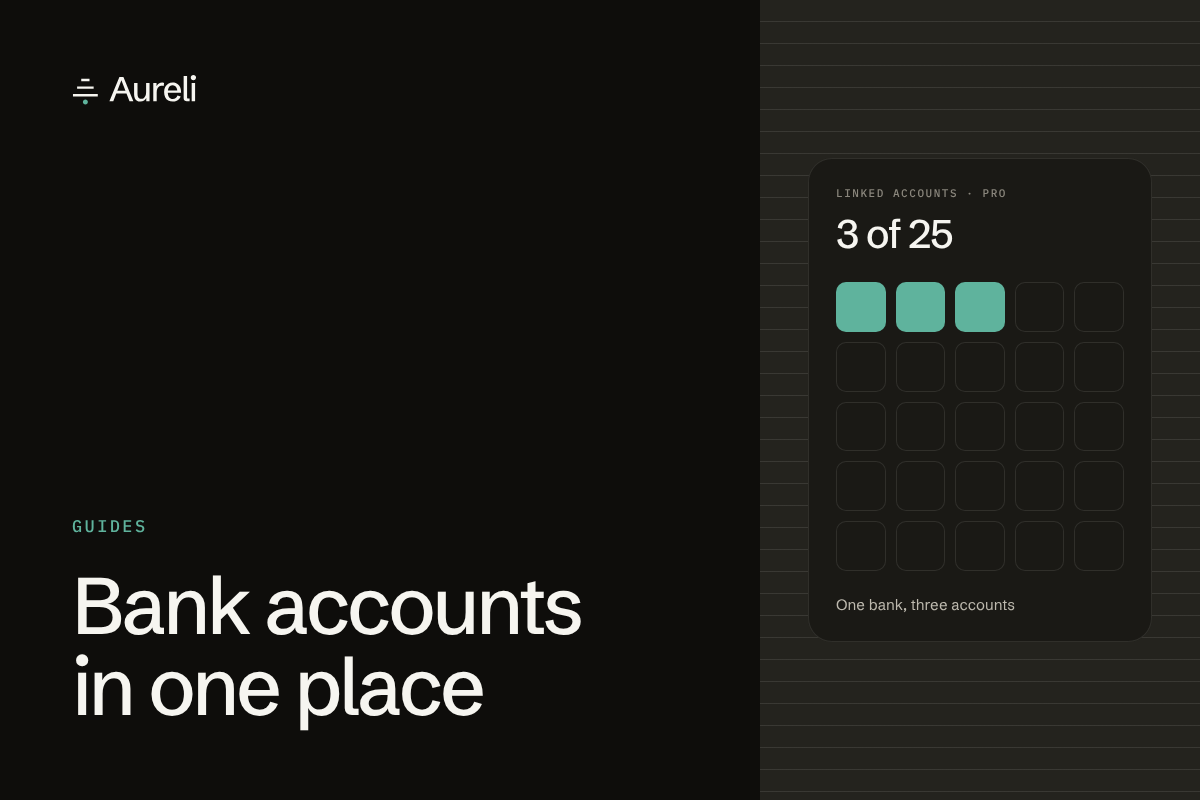
On the free tier you can link one bank account. On Pro you can link 25, and Pro is £9 per month or £79 per year in the UK.
The number that matters is what "25" counts, and it counts individual accounts rather than banks. When you connect a bank, the sync discovers every account it exposes, and each one counts. Connect one bank that shows a current account, a savings account and a credit card and you have used three of your twenty-five, not one. If you are consolidating a genuinely large number of accounts, count yours before you choose a plan. The current caps, including how many assets and debts each tier allows, are on the pricing page.
We would rather say that plainly here than have you find out at the point where you are trying to add a fourth account. People who hit a wall they did not know existed leave; people who chose a plan knowingly do not. It is also worth knowing that the connection limit is only about automatic syncing. Every account can be tracked manually, on any plan, with no connection at all — you just type the balance in and update it when you think of it. For a savings account you touch twice a year, that is often the better arrangement anyway.
Where to start
If you have never had the whole picture in one place, the useful first step is not choosing software. It is writing down every account you hold, including the ones you have half forgotten, and finding out how many there actually are. Most people are surprised, and that number decides which of the options above fits. Then connect the accounts that move often and type in the ones that do not — the pension you check quarterly does not need an API, it just needs to be in the same total as everything else, so the number you look at is the real one.
Sources:
- Financial Conduct Authority, Policy Statement PS21/19: Changes to the SCA-RTS and to the guidance in "Payment Services and Electronic Money — Our Approach", November 2021
- Open Banking Limited, guidance on the scope of account information services
- Provider pricing and connection limits checked July 2026 on each provider's own site
Want everything in one total? Aureli tracks connected bank accounts alongside pensions, property and investments — free to get started.